

How Soulmate works
Step 1
Start with a conversation
Set up your profile, choose your matchmaker’s voice, and have your first voice conversation. Talk about your everyday life, what you enjoy, and what you’re looking for in a date or a friend. You don’t need a polished pitch.

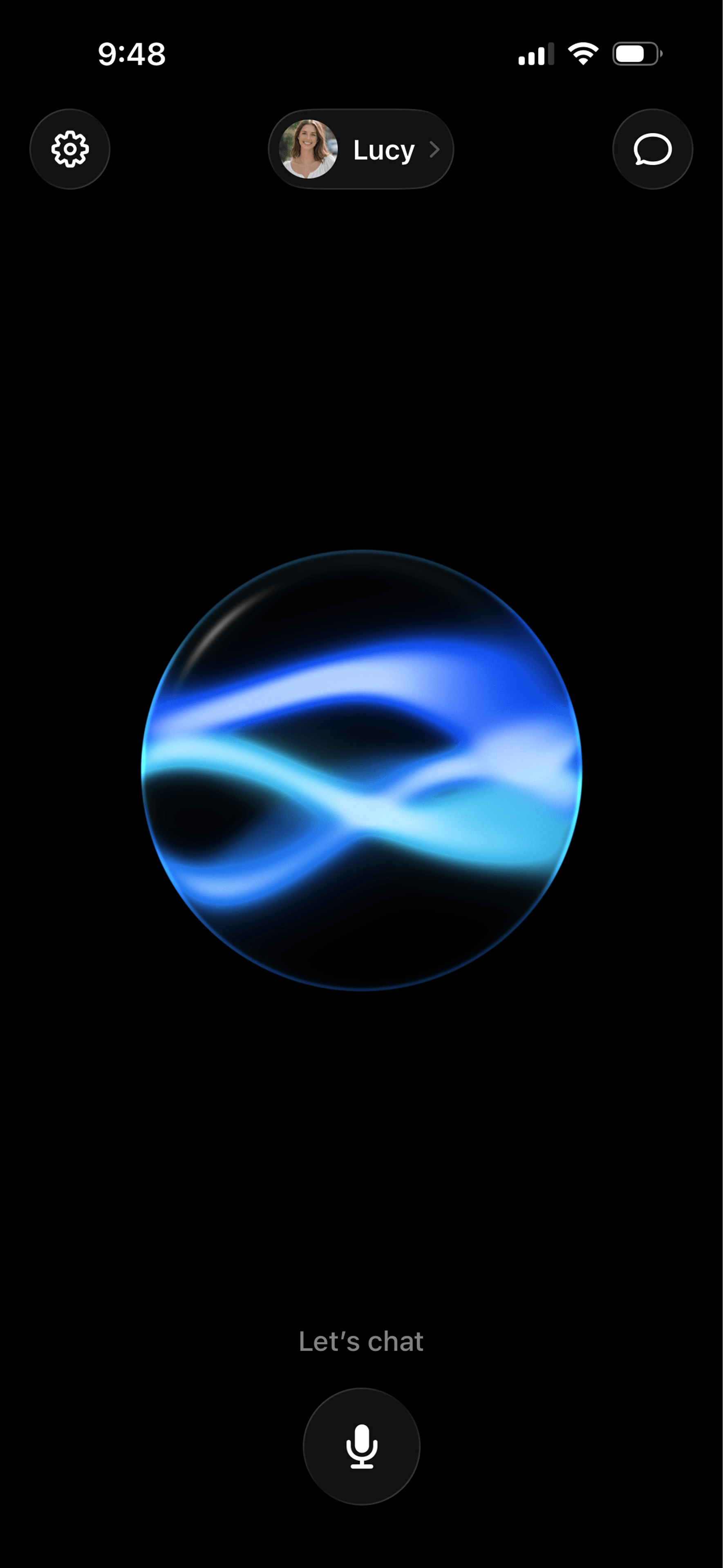

A close-up of the Soulmate voice conversation screen. Step 2
Keep getting to know each other
It’s one ongoing conversation, not a set of interviews to finish. Tap the microphone on the home screen whenever you want to talk again. Pick up where you left off, change the subject, or skip anything you don’t want to discuss.
Step 3
Let an introduction come to you
Once Soulmate has enough understanding to start looking, matching begins automatically. There’s no feed to browse or search button to press. The app can notify you when an introduction is ready. There’s no guaranteed timeline, and talking more doesn’t make matches arrive faster.
Step 4
See why you might click
Review the person’s photos, profile basics, and a few selected insights about what you have in common. You decide whether you’re interested: choose Like or Pass.


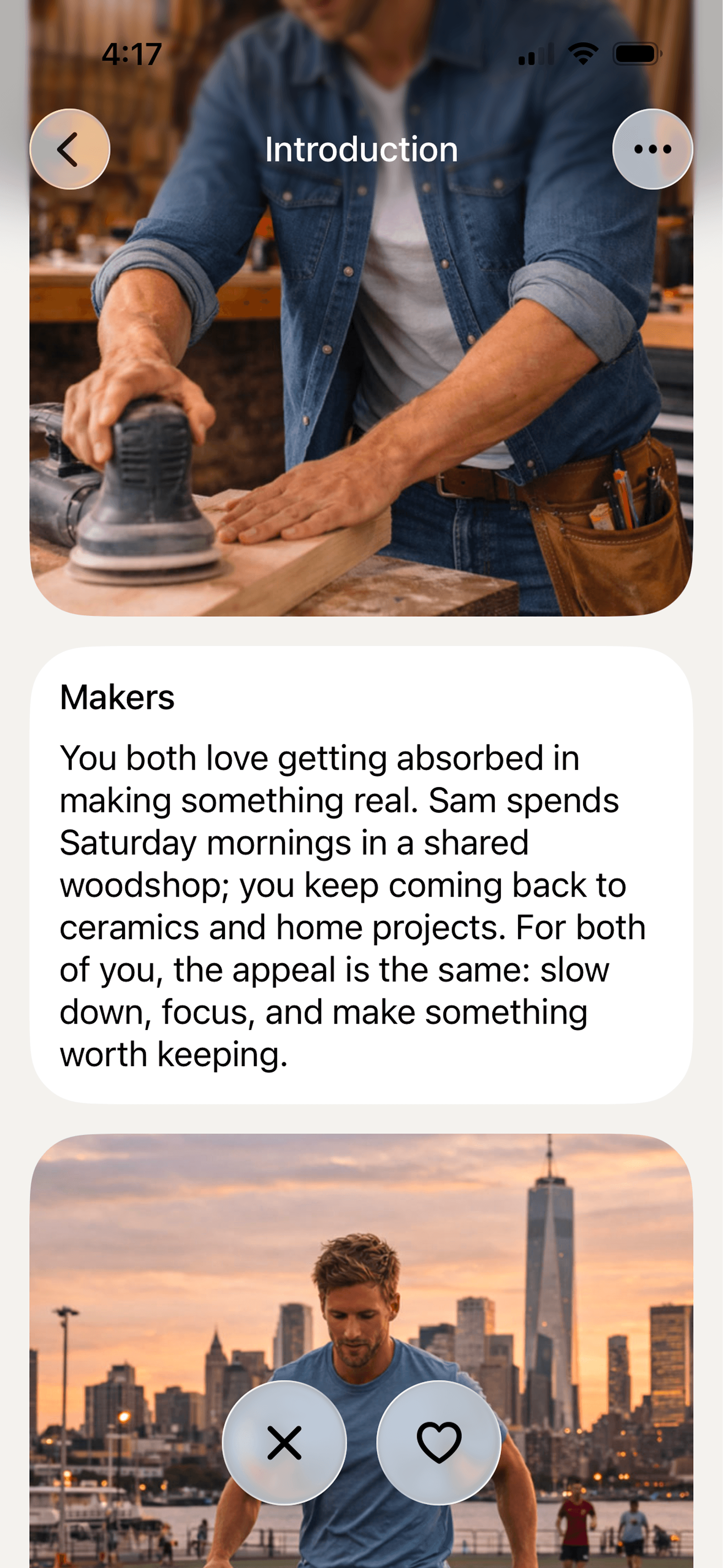

Two Soulmate screens side by side: Sam's introduction and the compatibility details explaining why Lucy and Sam might click. Step 5
If you both like each other, say hello
A chat with the other person opens when interest is mutual. From there, the conversation is yours. Your matchmaker doesn’t write messages for you or decide what you should do about a match.

Know what you’re sharing
Any conversation with Soulmate may inform selected insights shown to matches. Your recordings, full transcripts, and exact messages are not shared with them. There’s no off-the-record mode, so share only what you’re comfortable having reflected in an introduction. Read more about safety and sharing, or visit the FAQ for product questions.